
Inventory
Counts stay synced across store and online before the team promises stock to a customer.
Retail operations
Imagine turns inventory, reorders, daily close, vendor purchase orders, and customer follow-up into one retail queue, so you approve what matters and get back to shoppers.

Counts stay synced across store and online before the team promises stock to a customer.
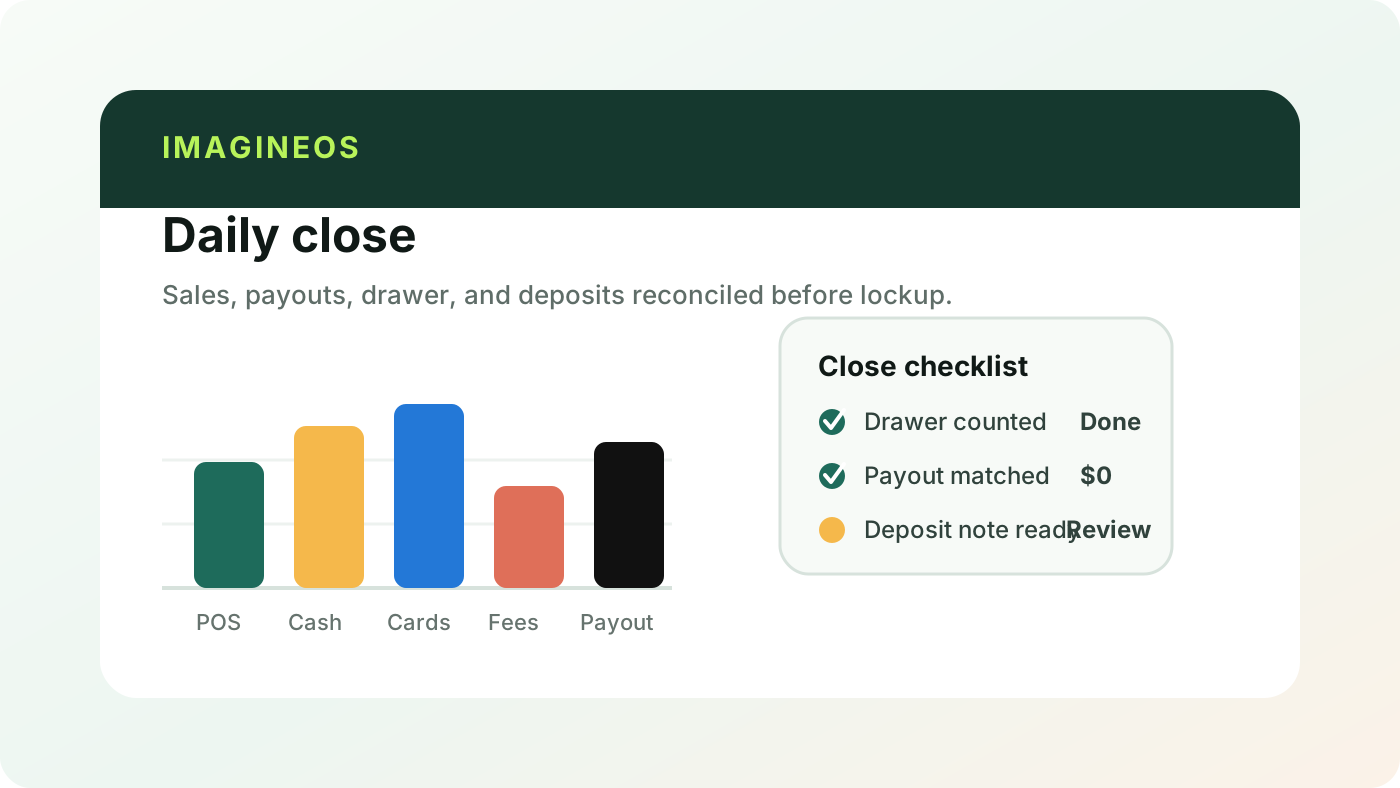
Sales, payouts, and the drawer reconcile while the team closes out the store.

Regulars and first-time shoppers get the right note without pulling you off the floor.
Why this work matters
A good shop is part taste, part memory, and part trust.
Industry context
U.S. industry-wide employer data for 2023, included as context for retail.
Source: U.S. Census Bureau 2023 County Business Patterns and Annual Integrated Economic Survey, NAICS 44-45 (Retail trade).
Retail signal
NRF research frames AI as a practical operating issue for retailers: inventory, customer experience, governance, and team workflows all need to improve without making the store feel generic.
Owner view
Imagine reads what happened across the POS, inventory, accounting, vendor, and email tools, then turns it into the few store decisions that need you today.

Imagine runs the operational work that sits between selling and serving customers: it keeps inventory counts accurate across your store and online, flags what to reorder, reconciles the daily close, tracks vendor purchase orders, and follows up with shoppers to bring them back. It reads from the systems you already use and drafts the next step, so your team spends time on the floor instead of in spreadsheets.
No. Imagine sits on top of the POS you already run (Shopify, Clover, or Lightspeed) and treats it as the source of truth for sales, inventory, and customers. It adds the sync, follow-through, and exception handling those tools leave to the owner, without asking you to switch systems or re-enter data.
Yes. You decide which actions run automatically and which wait for a person, such as sending a purchase order, emailing a customer, or adjusting a reorder quantity. Every draft, sync, and update keeps a timestamped trail, so you can always see what changed and why.
Bring the inventory, close, vendor, or customer-follow-up loop that keeps pulling you away from shoppers. Imagine will show how it runs with you approving what matters.